WhatsApp Text Formatting Generator – Bold, Italic, Strike
WhatsApp text formatting is a set of symbols that change how a chat message looks: *bold* with asterisks, _italic_ with underscores, ~strikethrough~ with tildes and three backticks for monospace. Lists, quotes and inline code also work. GeneratorNickname gives you ready messages to copy and fancy letters for profile names.
Just added
Share your own version
Copy any of the 150 formatted messages below and paste it in a WhatsApp chat: the symbols around the words turn into bold, italic, strikethrough or code. Type your own name in the generator above for fancy Unicode letters you can use where these symbols do not work, like your WhatsApp name or About.
WhatsApp text formatting: every symbol
This is the full list in WhatsApp’s own help page “How to format your messages”, which we read on 11 October 2026. The web version of that page says the newer options (lists, quote, inline code) are for WhatsApp Web and the Mac app; check your phone before relying on them.
| Style | Type this | Rule |
|---|---|---|
| Bold | *text* |
Asterisk on both sides |
| Italic | _text_ |
Underscore on both sides |
| Strikethrough | ~text~ |
Tilde on both sides |
| Monospace | three ` + text + three ` |
Three backticks on both sides |
| Inline code | `text` |
One backtick on both sides |
| Bulleted list | - text |
Asterisk or hyphen and a space at the start of a line |
| Numbered list | 1. text |
Number, period and a space at the start of a line |
| Quote | > text |
Angle bracket and a space before the text |
On Android you can also tap and hold the text, then choose Bold, Italic or More; on iPhone, select the text and tap BIU. On GeneratorNickname the same words can be turned into fancy letters that stay styled outside chats too.
Bold text for WhatsApp messages (12)
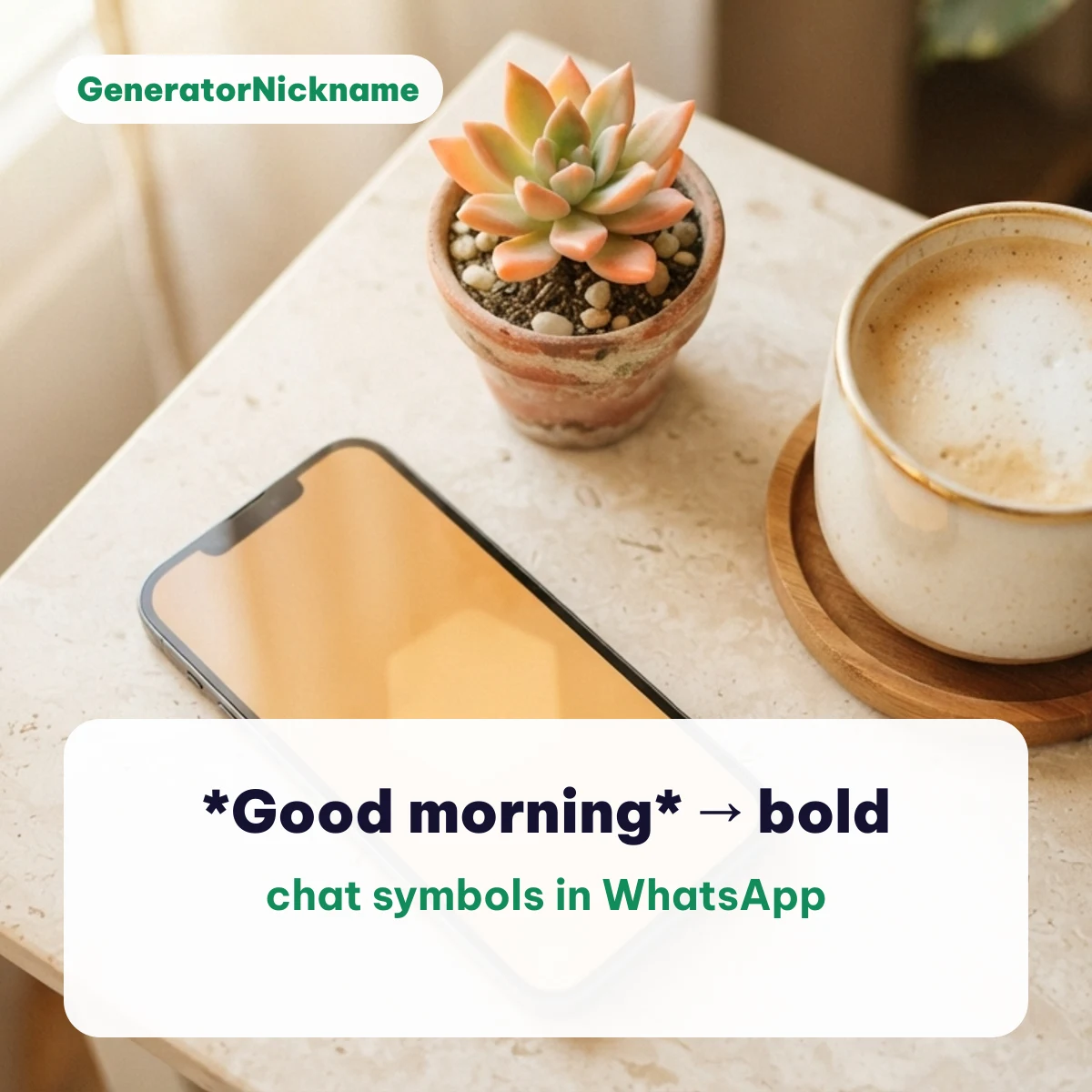
Asterisks on both sides. Good for a word you want people to notice.
Italic text for WhatsApp (10)
Underscores on both sides, for a softer tone.
Strikethrough text in WhatsApp (8)
Tildes on both sides. Handy for an old price or a cancelled plan.
Inline code for codes and numbers (12)
One backtick on each side. For monospace, put three backticks on each side instead; codes and numbers are easier to read either way.
Quotes and lists (12)
Each list line is a separate card here; in a chat, put each one on its own line.
Combined styles (8)
Two symbol pairs nested together. The help page does not describe combinations, so check before sending something important.
Fancy letters for your WhatsApp name and About (16)
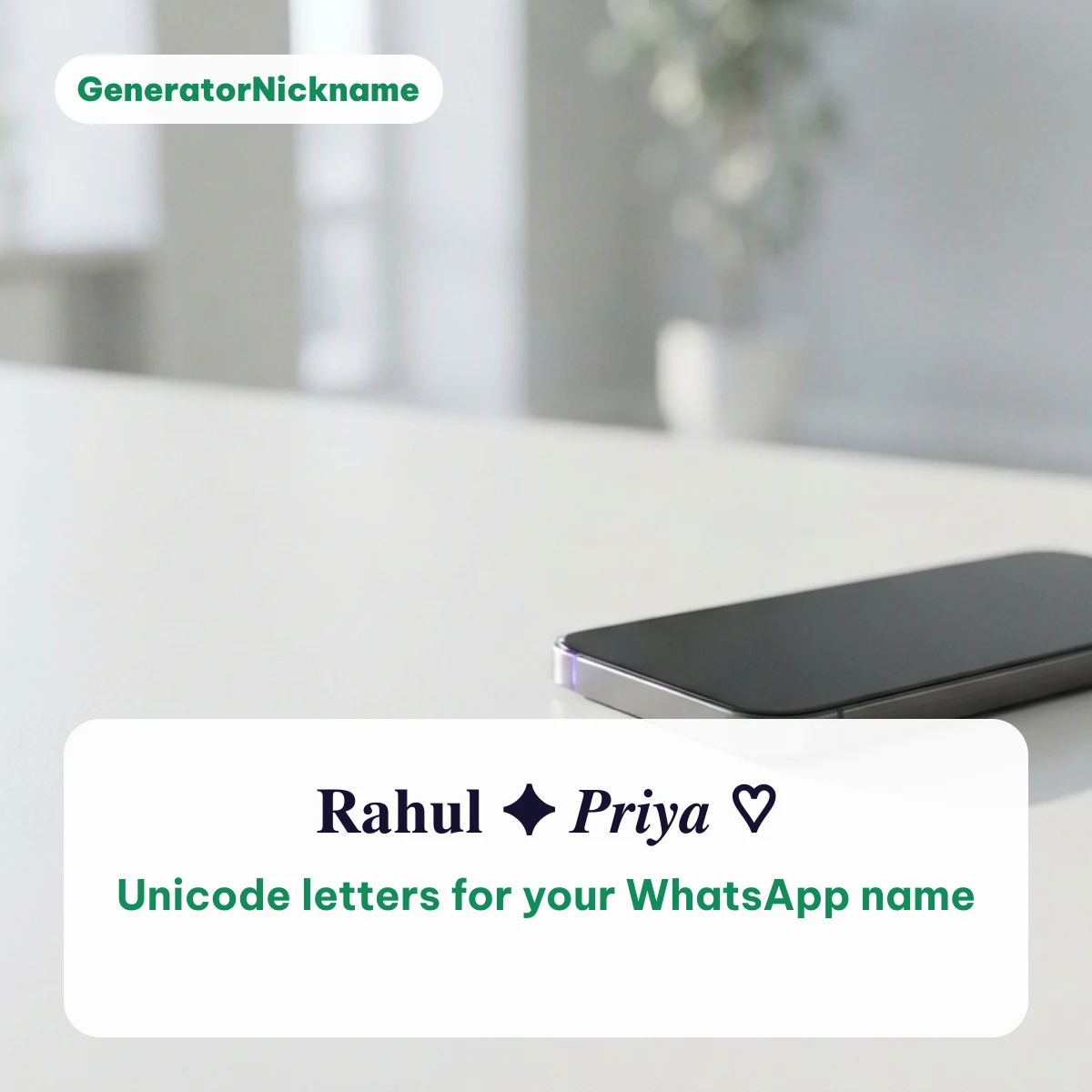
Chat symbols do not work in your profile name or About line. These are Unicode letters instead, so they keep their look anywhere. Results depend on the app and device.
Fancy Unicode text for WhatsApp messages (12)
These letters are already styled, so they stay styled even when forwarded or pasted into a status. Results depend on the app and device.
Framed names for WhatsApp profile (12)
Unicode letters inside a symbol frame, for a name that stands out in group lists.
Symbols for WhatsApp chats and status (24)
Single symbols to copy: ticks, arrows, weather, music. One tap copies one symbol.
Kaomoji for WhatsApp chats (12)
Text faces built from symbols. They work in any chat, and they are not emoji.
Emoji combos for WhatsApp messages (12)
Two emoji that go together for wishes and replies.
Chat symbols or Unicode letters: which one to use
Chat symbols like *bold* only work inside a message: WhatsApp reads them and changes the look, and someone who copies the text gets the symbols back. Unicode letters like 𝐁𝐨𝐥𝐝 are different characters, so they look bold everywhere, including names and other apps, but search and screen readers may not read them as normal words. Use symbols in chats and Unicode letters for names. The difference is explained in is unicode a font.
How these letters are stored: code points and names
Styled letters are not a font. Each one is a separate Unicode character, so it keeps its look when you copy and paste it. A few of the characters used on this page, read from the Unicode character database:
| Character | Code point | Official Unicode name |
|---|---|---|
| * | U+002A | Asterisk |
| _ | U+005F | Low Line |
| ~ | U+007E | Tilde |
| ` | U+0060 | Grave Accent |
| > | U+003E | Greater-Than Sign |
| 𝐁 | U+1D401 | Mathematical Bold Capital B |
| 𝘽 | U+1D63D | Mathematical Sans-Serif Bold Italic Capital B |
Where these styles usually show up
Support depends on each app's own rules for display names. App rules change between versions, so treat the rows as a guide, not a guarantee.
| Where you paste it | Status | What to do |
|---|---|---|
| Instagram display name | Varies by app version | Paste one name, check it on a second phone before saving. |
| WhatsApp profile name | Varies by app version | Paste, then ask a friend what they see. |
| Free Fire and BGMI name box | Varies by app version | Game name boxes are strict. Try one short name first. |
Submit your style
Have a WhatsApp formatting trick or message style we do not list? Send it through our contact page with the name and where you use it. Comments are closed on this site, so submissions come in by message; every one is read by hand, and approved styles join the list with the date and a Copy button. There are no counters or rankings.
Frequently asked questions
How do I format text in WhatsApp?
Put a symbol on both sides of the words: asterisks for bold, underscores for italic, tildes for strikethrough, three backticks for monospace. Lists use a hyphen or number at the start of a line, and a quote starts with > and a space.
Why is my WhatsApp formatting not working?
Usually there is a space between the symbol and the word, like * text *. Keep the symbol touching the first and last letter. The newer options (lists, quote, inline code) may not be on every app version.
Can I use bold text in my WhatsApp name?
Chat symbols do not work in names. Use Unicode fancy letters from the list above or the generator at the top of this page instead.
Want your name in other styles? Type it in the generator at the top of this page.
Last updated: 11 October 2026. Formatting rules from WhatsApp’s help page “How to format your messages”; every character on this page is a standard Unicode character.